Financial Data Matching for ERP & Accounting Systems
Connect your ERP and accounting system to automatically match financial data across QuickBooks, Xero, Zoho Books, and your bank feeds. Eliminate manual journal entry errors and close books faster.
First month free, no commitment
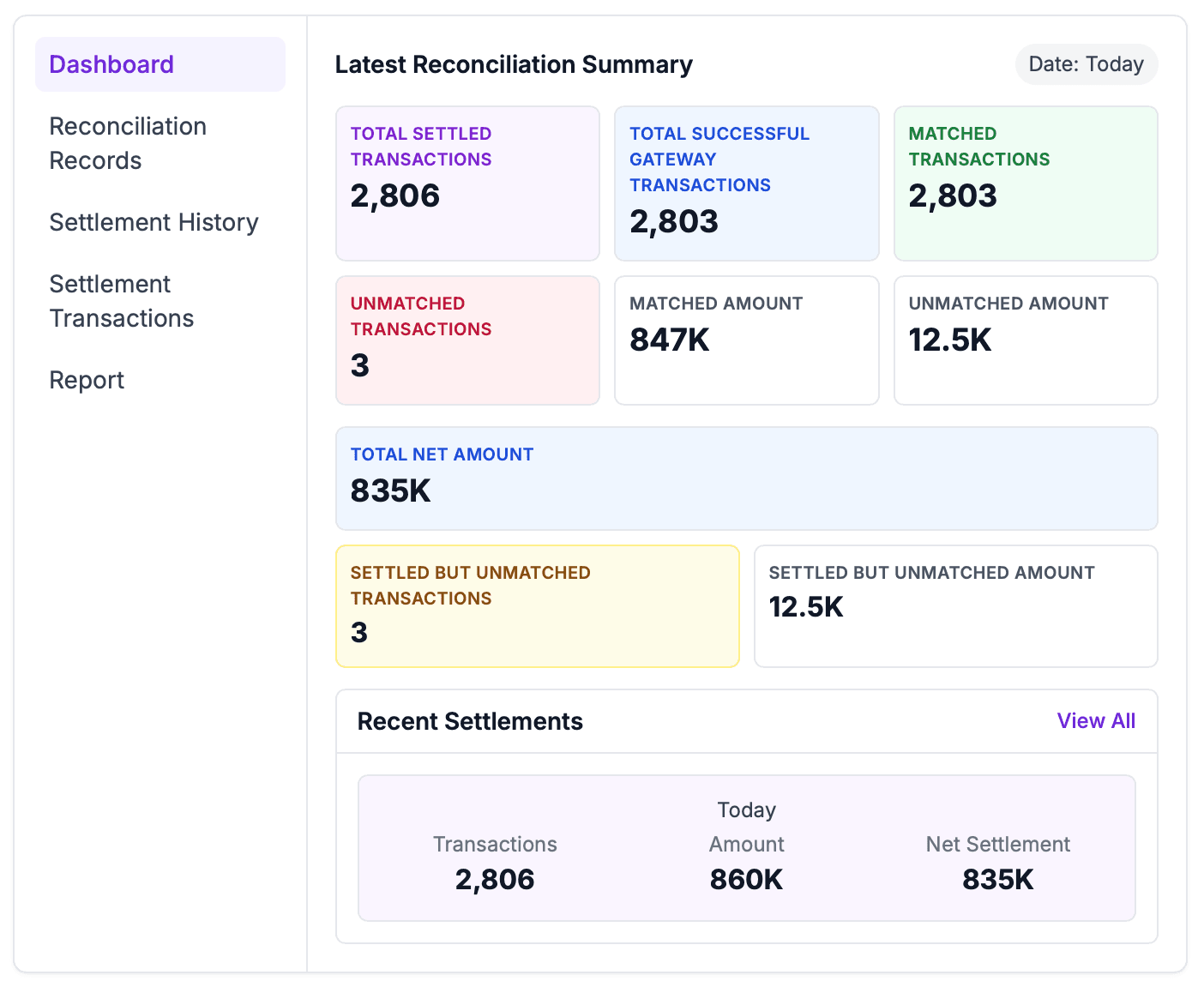
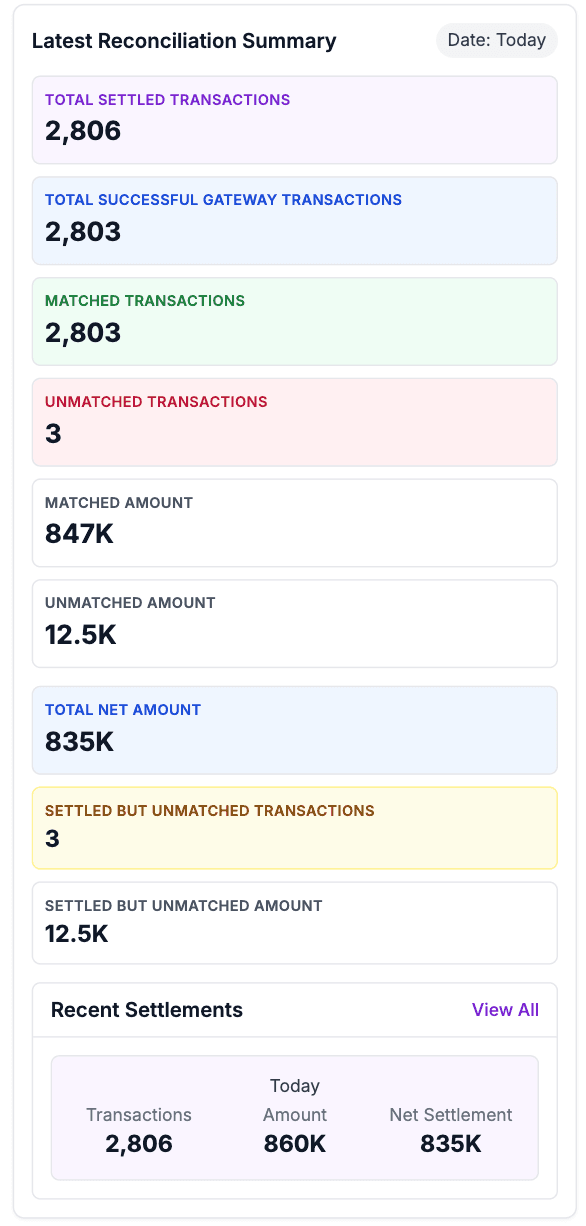
The issue is not only reconciliation. It is not knowing which numbers to trust.
Reconcile ERP, Accounting & Bank Data in One Place
Payouts and bank credits drift
Gateway settlement totals rarely land in the bank exactly as finance expects once fees, refunds, and timing are included.
Systems disagree
PSP reports, bank lines, and ledgers each tell part of the story, leaving teams to stitch it together by hand.
Exceptions arrive too late
Unmatched items often surface at month-end, when there is less time to investigate and less confidence in the close.
Audit evidence is scattered
The proof behind a match lives across spreadsheets, exports, screenshots, and email threads instead of one reviewable record.
How ReconcileOS turns payment data into a controlled close
The page is not asking finance to learn another process. It shows where ReconcileOS fits into the close you already run.
Connect the sources
Bring gateway settlements, bank lines, orders, and accounting records into one control layer.
Match the money movement
Apply rules for references, fees, refunds, partial payouts, and timing differences across each source.
Review only exceptions
Route unmatched, delayed, or unexpected items to finance with the evidence needed to resolve them.
Sync clean results
Push reconciled records, reports, and audit trails back to the systems your team closes from.
Less spreadsheet chasing. More confidence in the close.
Daily visibility into what settled, what matched, and what still needs review.
A clear audit trail for every match, adjustment, fee, and exception.
Cleaner handoff between operations, finance, and accounting systems.
Everything you need to automate reconciliation
Match gateway, bank, and ledger data automatically. Review only exceptions.
Settlement Transactions
Four‑way matching across gateway files, bank statements, ledger entries, and orders.
Settlement History
Daily close with variances highlighted and net settlement computed automatically.
Reconciliation Records
Audit‑ready trails with exports. Every match and adjustment is logged.
Reports
Scheduled PDF/CSV delivery and ERP‑friendly exports.
Real-time Processing
Instant transaction processing with immediate exception detection and alerts.
Enterprise Security
Bank-grade security with encrypted data transmission and access controls.
Works with your existing tools
Connect payment gateways, banks, and accounting software in minutes—no complex setup.
Questions finance teams ask before rollout
Practical answers about setup, data sources, and how this use case fits into your close process.
What is a financial data matching platform?
A financial data matching platform automatically matches transactions and records across multiple financial systems, banks, and payment processors.
Can the platform handle data from different sources?
Yes, we support integration with banks, ERPs, accounting software, and custom financial systems.
How does the system ensure data accuracy?
We use advanced validation, duplicate detection, and error correction to ensure all matched data is accurate and reliable.
Is the platform suitable for both SMEs and enterprises?
Absolutely. Our platform is flexible and scalable, serving both small businesses and large enterprises.
How does the platform help with compliance?
Automated matching ensures audit trails are maintained and compliance reports are generated on schedule.
See the workflow against your actual reconciliation setup.
Tell us which gateways, banks, and accounting tools you use. We will map the reconciliation flow and show where exceptions surface.
First month free, no commitment.